

Interior + Exterior Use Cases
Use One Workflow for Interior Mood and Exterior Concept Direction
Archilip helps teams keep interior and exterior visuals in the same design language. This improves review speed and reduces back-and-forth during project presentations.
- Develop interior and exterior options in the same visual strategy.
- Reduce narrative mismatch between inside and outside views.
- Speed up stakeholder approval with clearer side-by-side alternatives.
2 tracks
Interior + exterior
Handled in one consistent flow.
Faster
Review cycles
More clear options before meetings.
Higher
Presentation coherence
Unified style language across scenes.
Interior showcase
Example interior assets mapped to real use-case goals like material direction, walkthrough mood, and client-facing presentation.
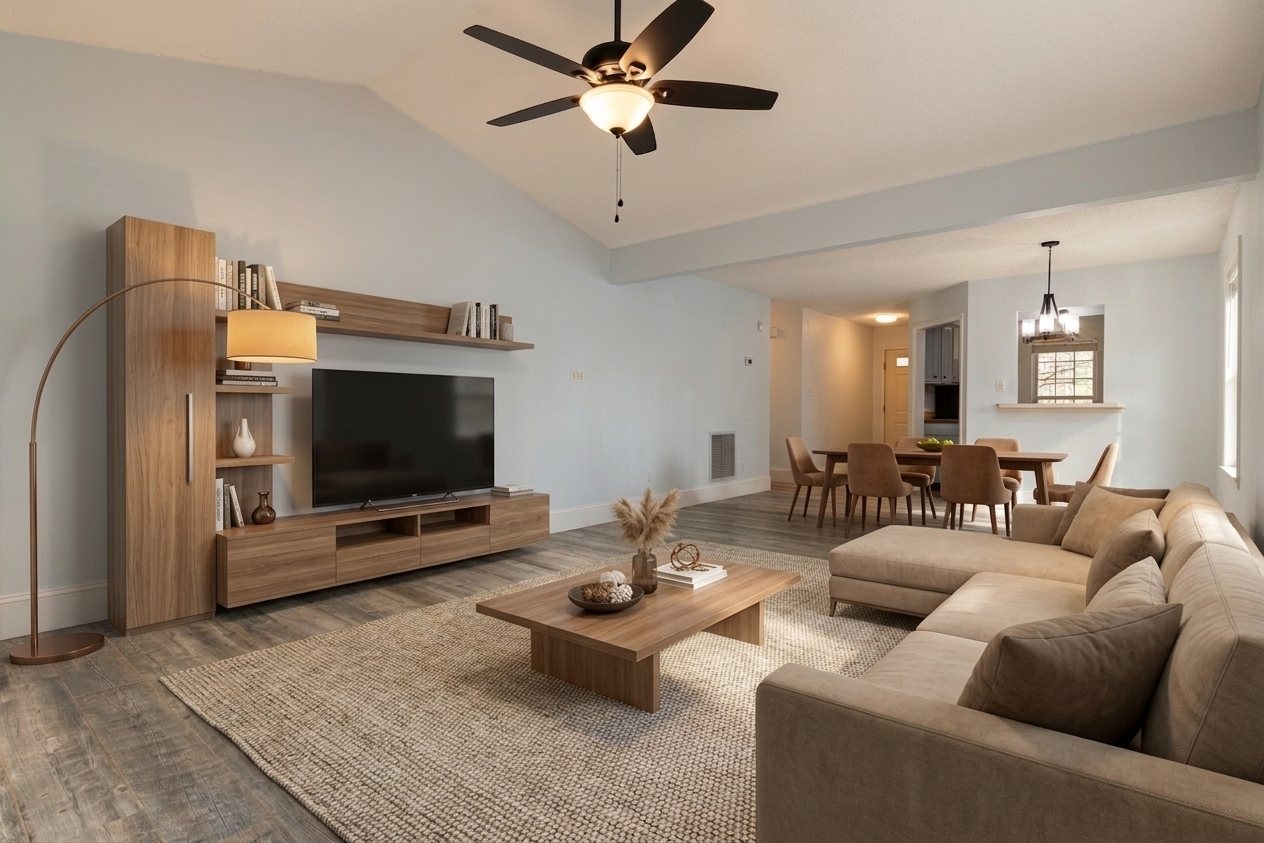
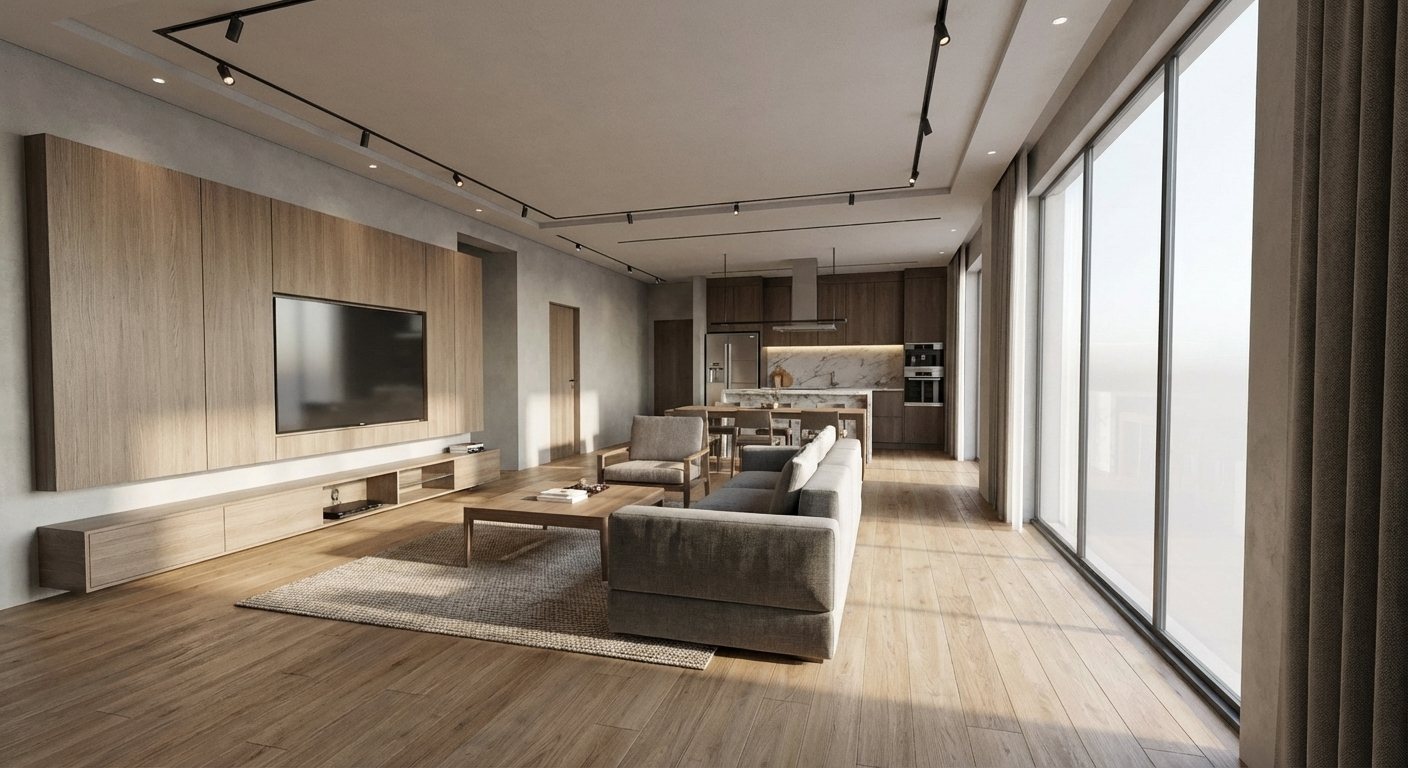
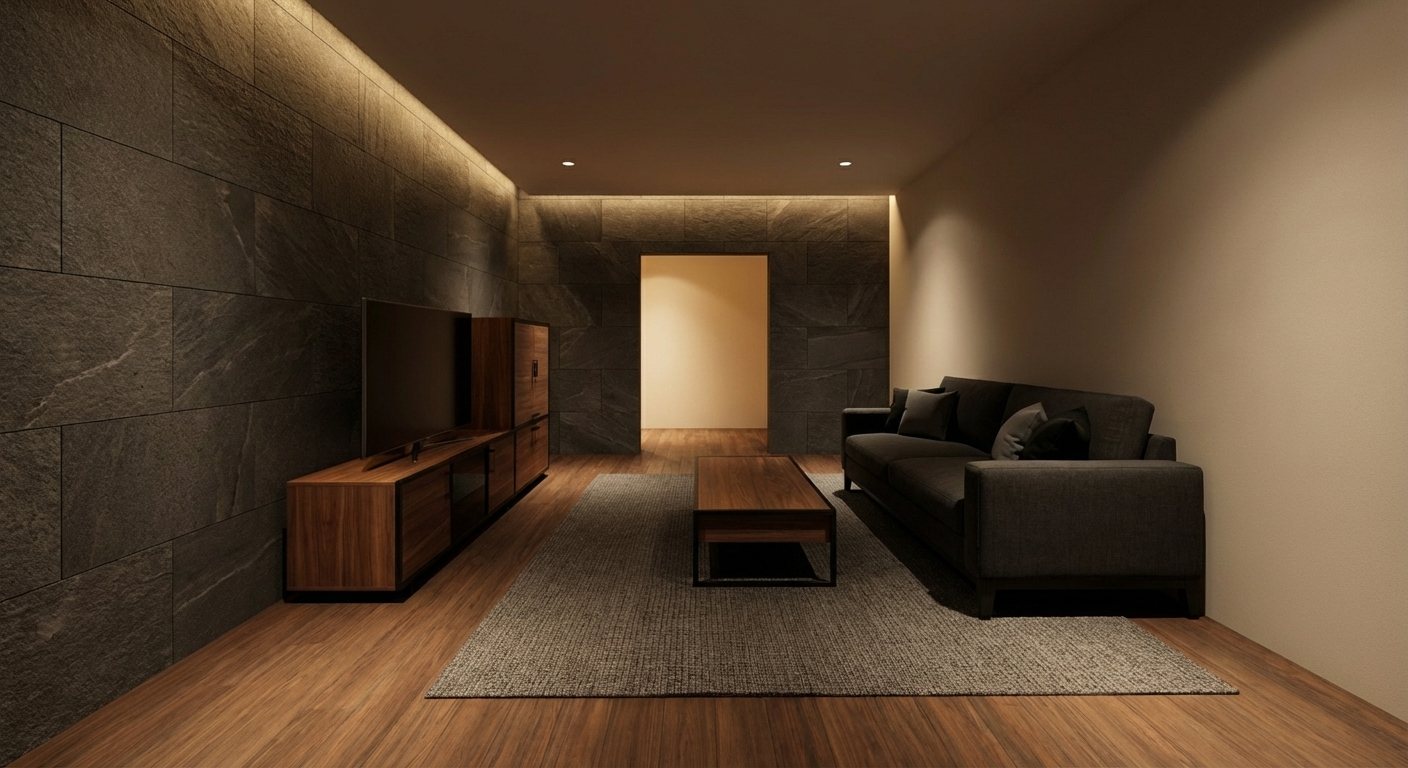
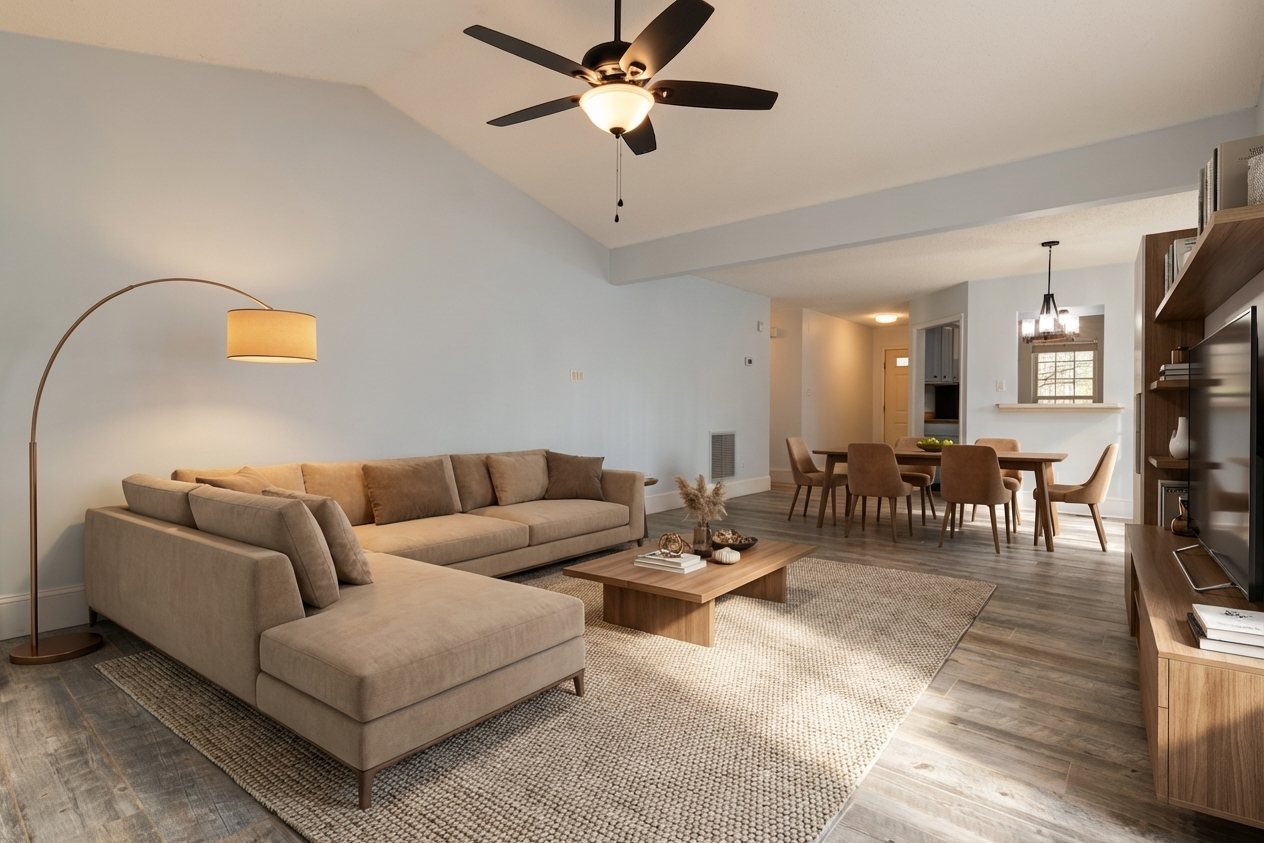
Use-case modules with matching visuals
Each module ties a product capability to a concrete scene type so teams can align faster in review meetings.
Interior Direction
Interior Mood Alignment Module
Align furniture, tone, and lighting direction before detailed client reviews.
- Room styling reads clearly in one frame
- Lighting direction stays coherent across revisions
- Presentation boards gain stronger interior narrative
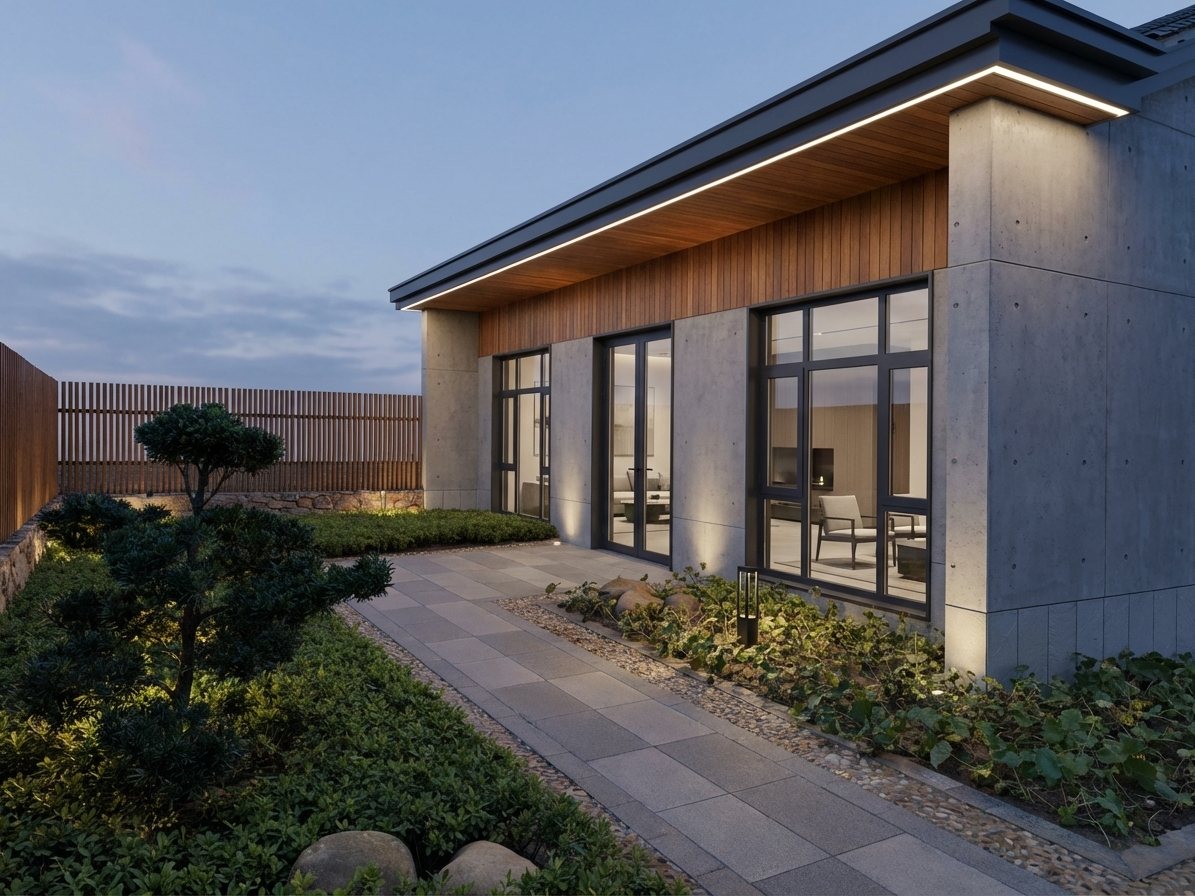
Exterior Context
Exterior Material Decision Module
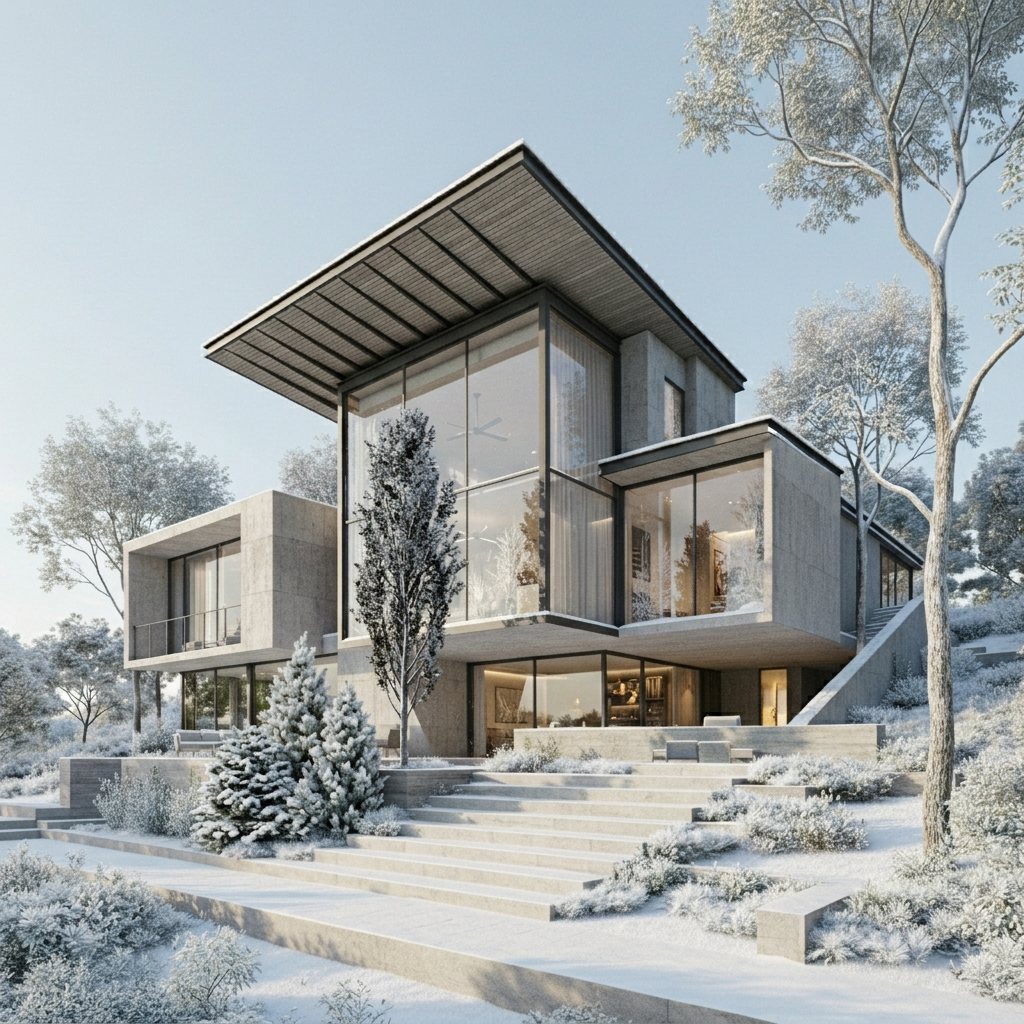
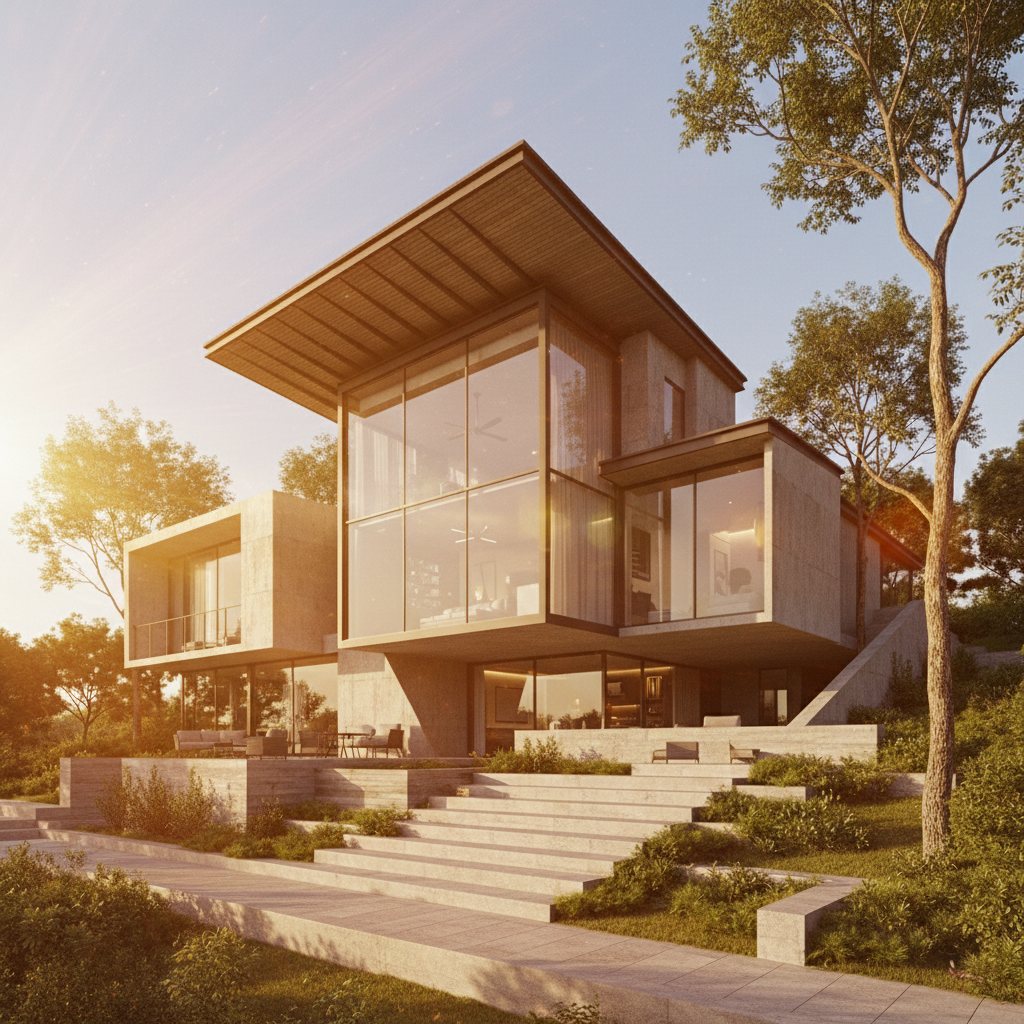
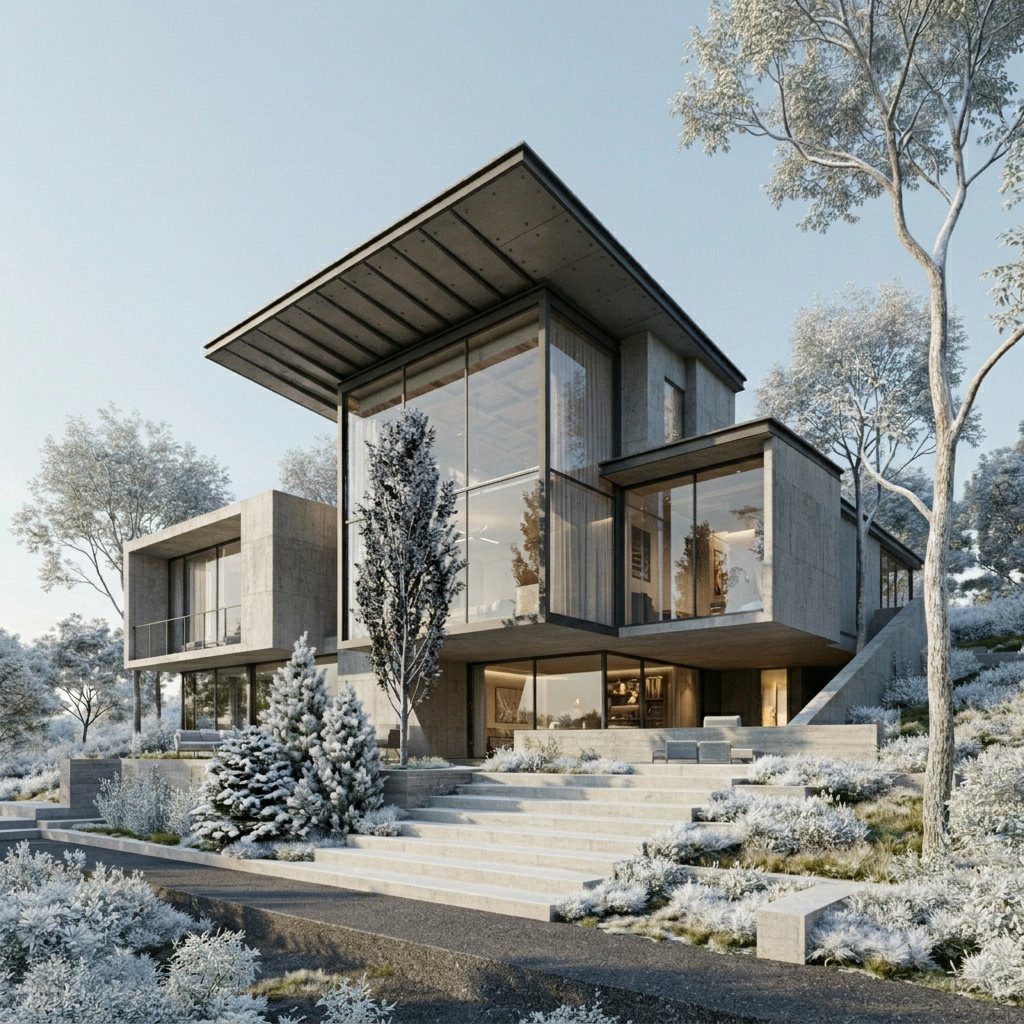
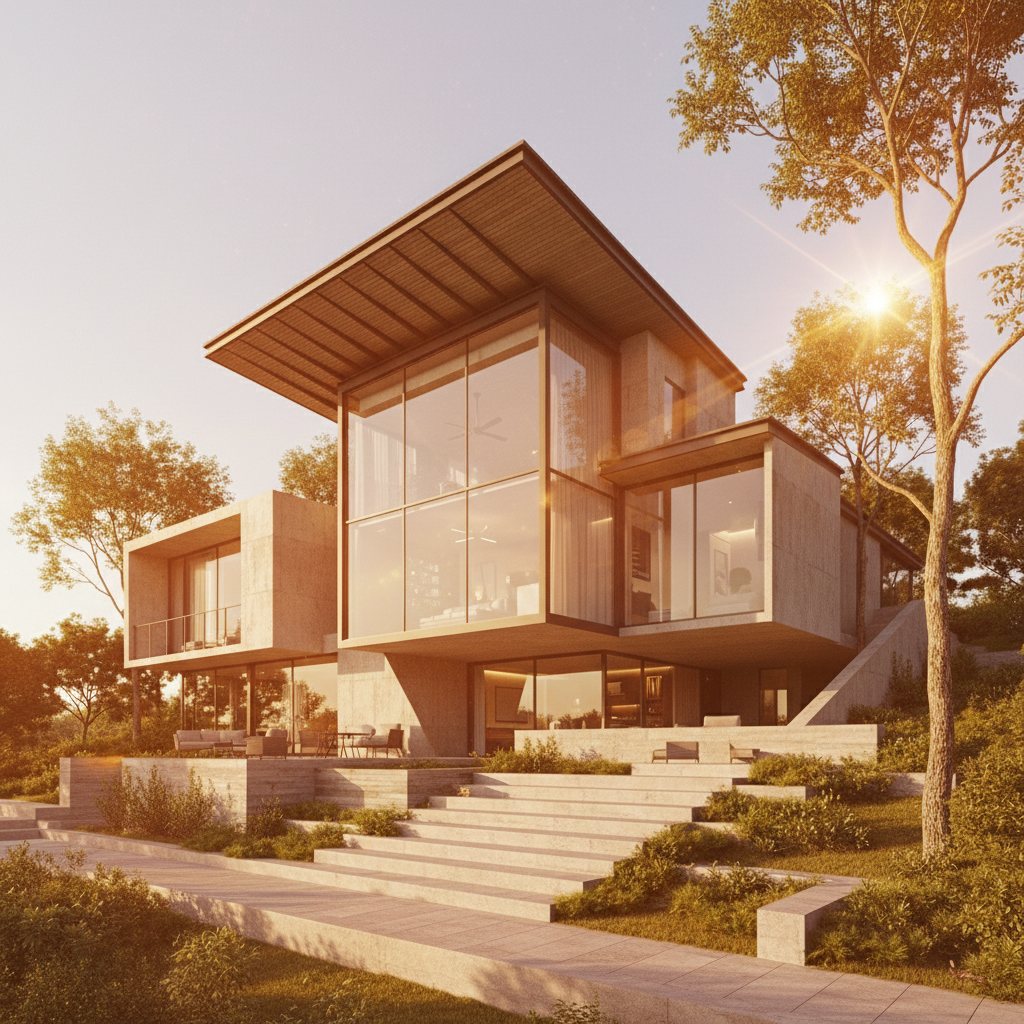
Use one hero exterior to compare cladding, massing, and landscape integration.
- Facade materials are easier to evaluate side by side
- Massing remains stable while style changes
- Sharper outputs for concept and sales decks
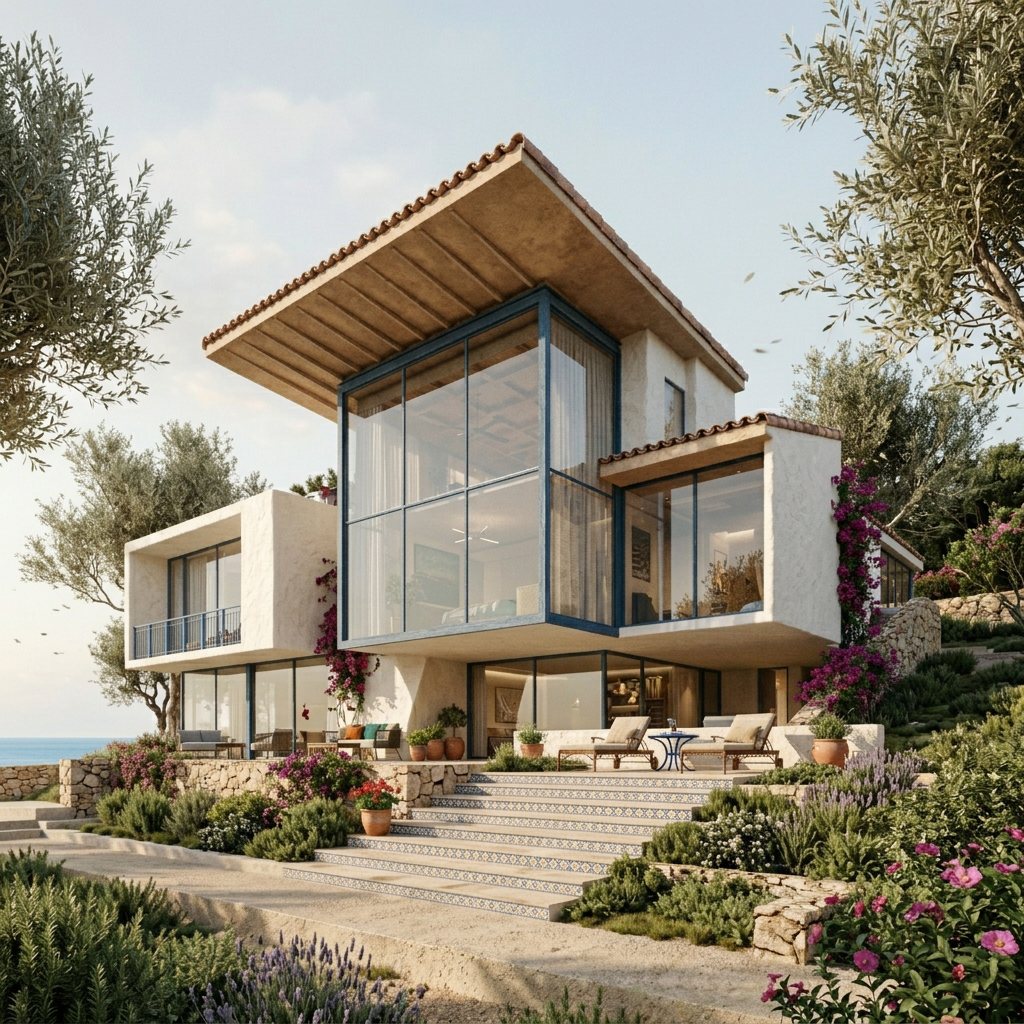
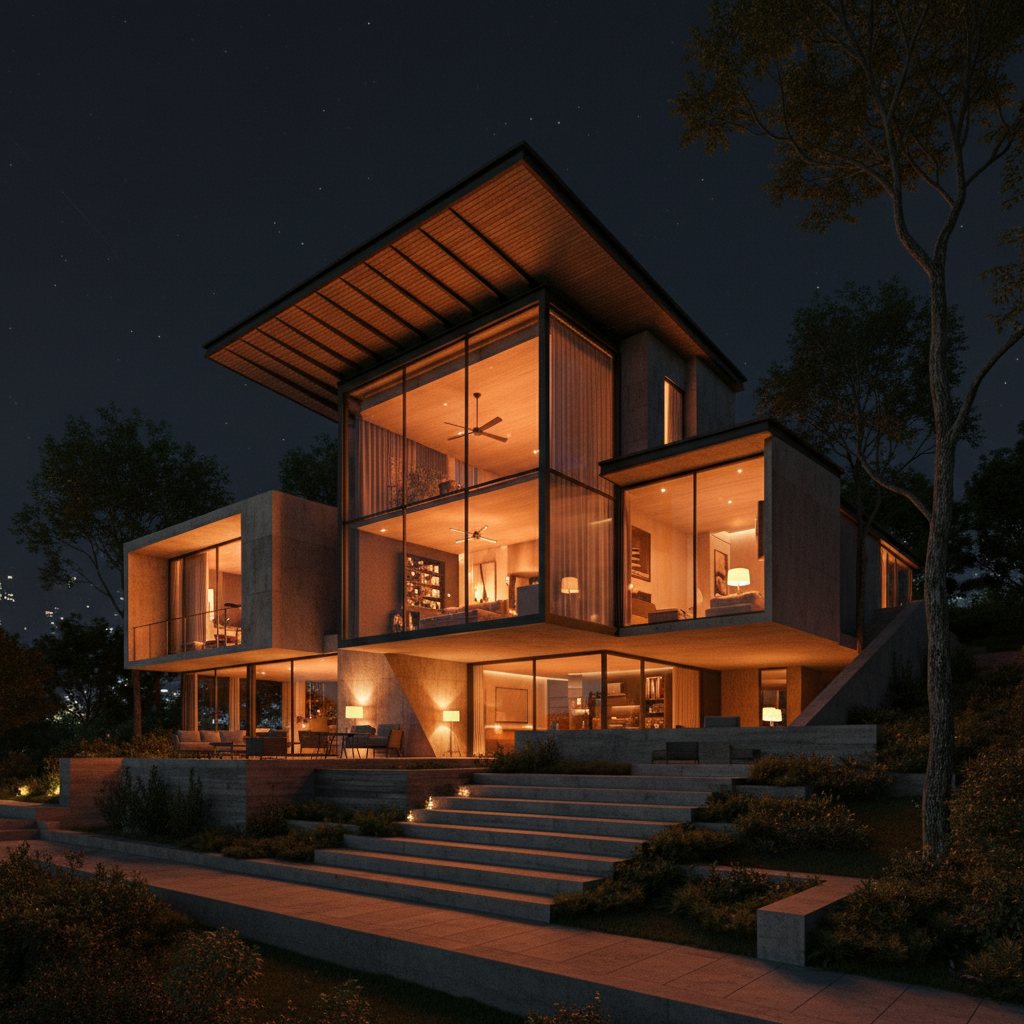
Cross-Scene Coherence
Cross-Scene Consistency Module
Maintain one architectural language from exterior hero frames to interior scenes.
- Interior and exterior feel like one project
- Before/after logic remains traceable across modules
- Consistent quality standard in all galleries
Core use-case modules
Each module below is meant for a practical project decision, not isolated visual experimentation.
Interior studies
Explore mood, materials, and function-driven visual options for key spaces.
- Kitchen and living area variations
- Lighting mood comparisons
- Client-friendly approval visuals
Exterior studies
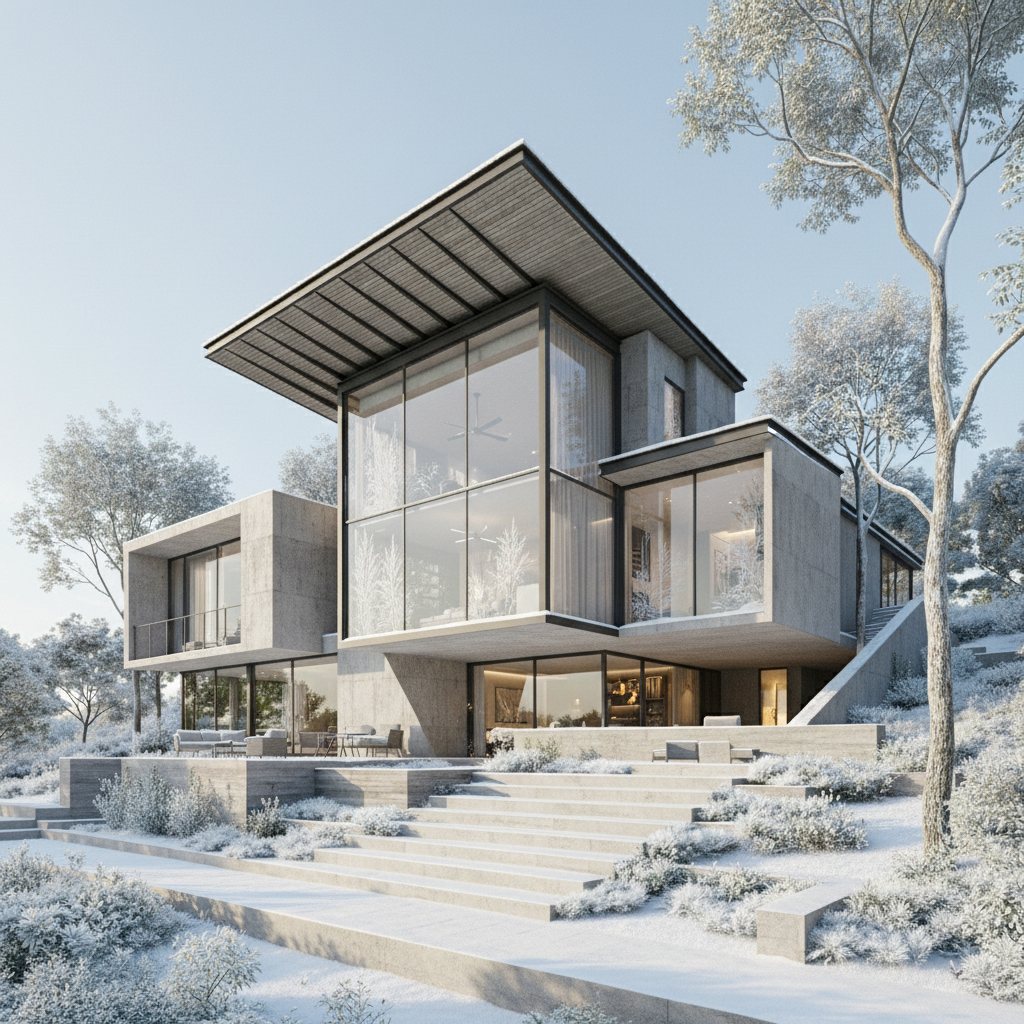
Generate facade and context alternatives for stronger concept communication.
- Facade rhythm alternatives
- Landscape-context integration
- Pitch and board-ready compositions
Cross-scene consistency
Maintain one material and atmosphere narrative across all render sets.
- Stronger deck coherence
- Fewer corrective iterations
- More confident design storytelling
Exterior showcase
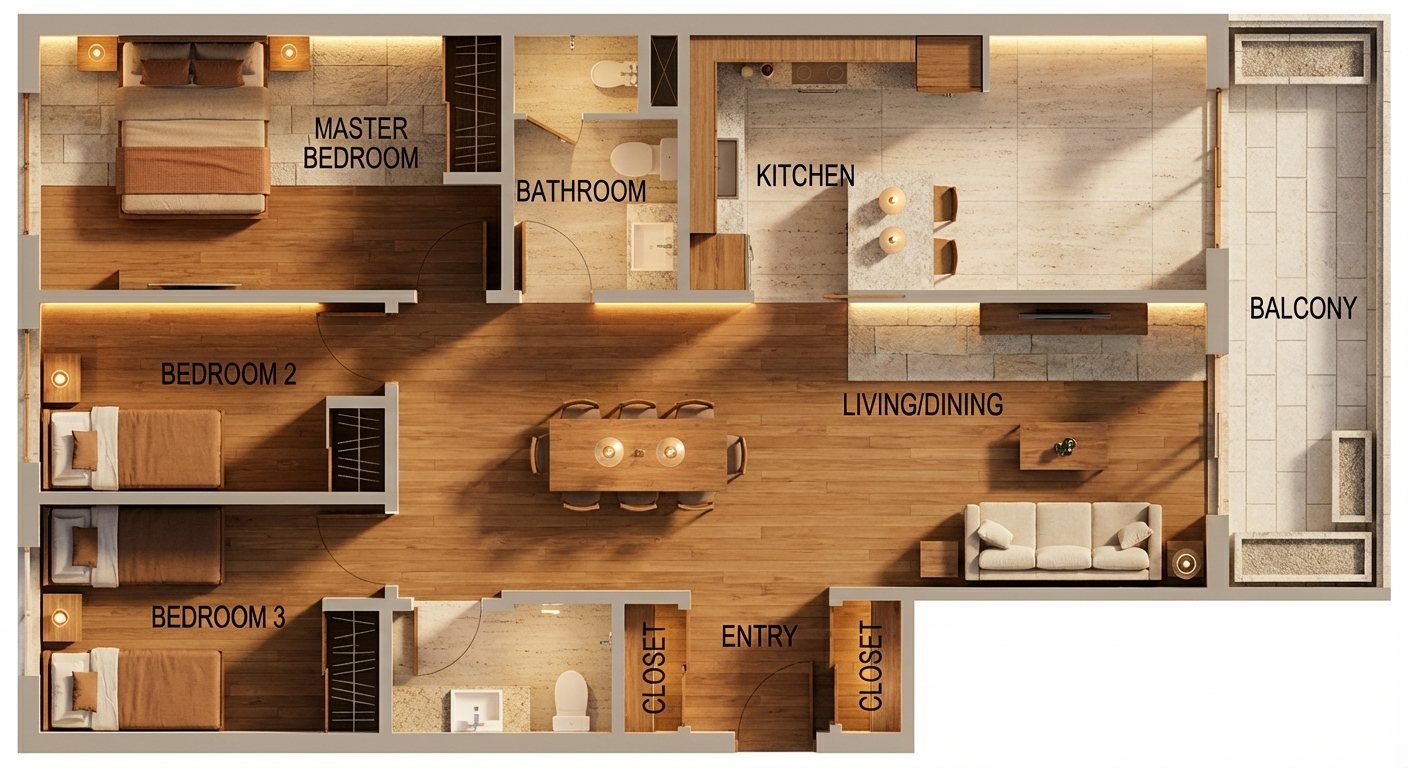
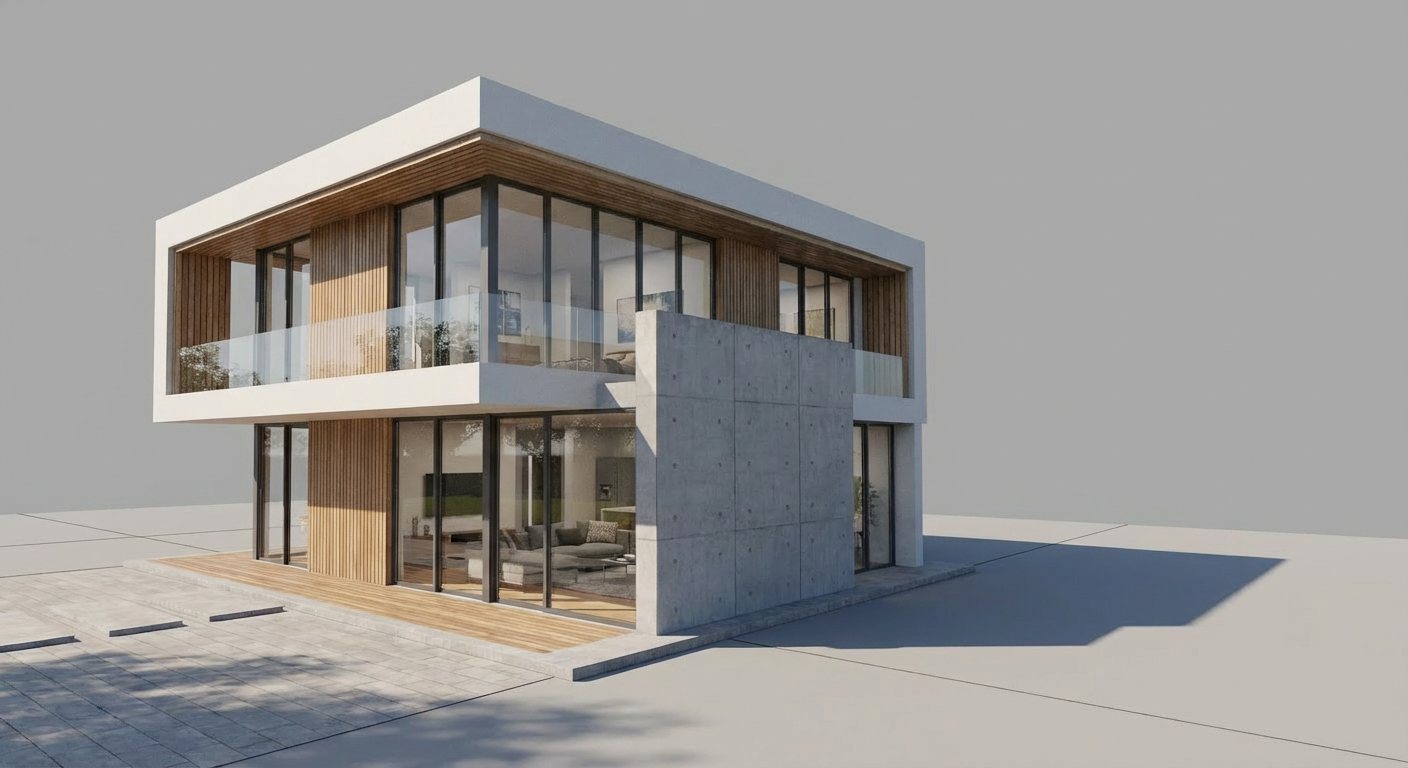
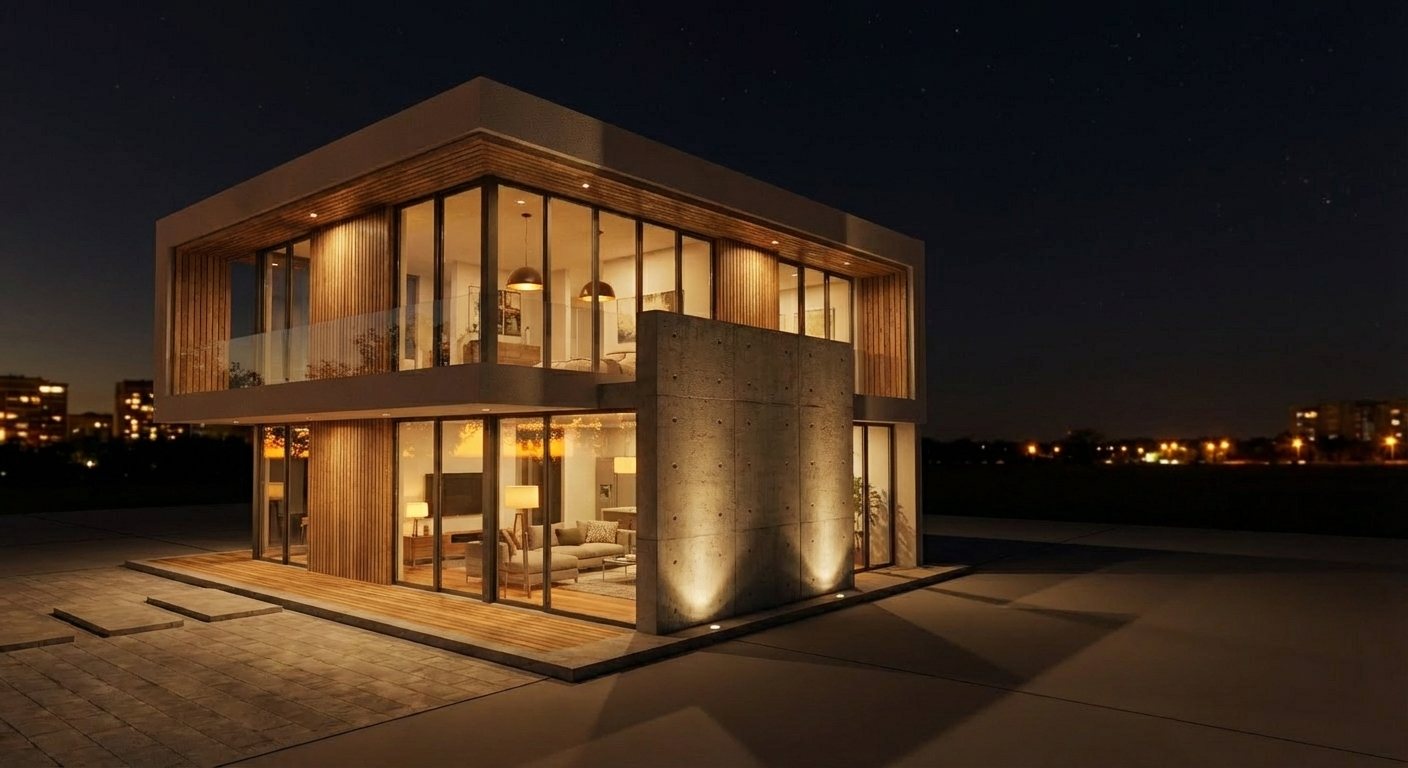
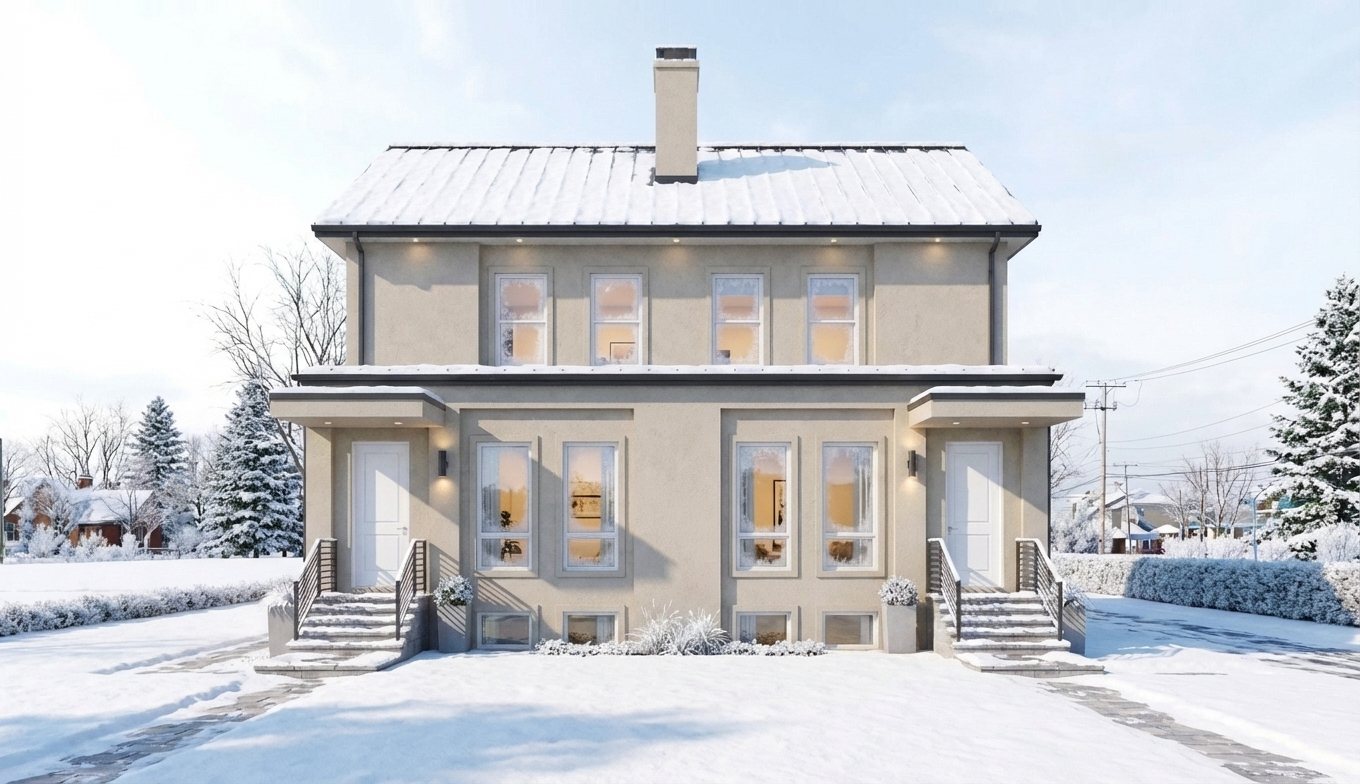
Interior + exterior storyboard board
Mixed scene board example for pitching one coherent architectural story from arrival to interior experience.
Execution checklist
- Define decision goals for interior and exterior outputs.
- Generate broad options in Flash mode for both tracks.
- Shortlist by narrative clarity and architectural fit.
- Promote finalists to higher quality for client-ready delivery.
Interior vs exterior focus matrix
| Dimension | Interior priority | Exterior priority |
|---|---|---|
| Primary decision axis | Material, atmosphere, occupancy feel. | Massing, facade expression, context reading. |
| Key stakeholder question | How does the space feel and function? | How does the building read from context? |
| Typical revision loop | Micro-adjustments in texture and lighting. | Form and envelope language adjustments. |
FAQ
Can we run both interiors and exteriors with one prompt approach?
Yes. Keep core architectural intent shared and tune scene-specific variables like lighting and framing.
Should we use Pro mode from the beginning?
No. Generate breadth first, then apply higher quality only to shortlisted options.
Does this fit smaller projects?
Yes. The approach is useful for both small and large projects because it reduces wasted iteration.